A Bluetooth Car Screen is a compact display that brings phone-based entertainment, navigation, and hands-free communication into a vehicle. It usually connects to a smartphone through Bluetooth for audio, calls, and basic controls. Some models also use Wi-Fi for Apple CarPlay or Android Auto, because Bluetooth alone cannot normally transmit full-screen video. This distinction matters.
Mark Powell, former CEO of the Bluetooth Special Interest Group, described Bluetooth as “the global standard for simple, secure, wireless connectivity.” His statement helps explain the technology’s appeal. A Bluetooth Car Screen creates a short-range link between devices, similar to pairing wireless earbuds. The driver selects the screen from the phone’s Bluetooth menu, confirms a code, and allows selected permissions. After pairing, music may play through the car speakers, while navigation appears on the screen.
The hardware is simple but not identical across models. Most units include a touchscreen, microphone, speaker output, USB power, and sometimes an FM transmitter. A dashboard-mounted screen may receive power from a 12-volt socket. Another model may connect through an auxiliary cable for clearer sound. Bright sunlight, weak phone signals, and poor microphone placement can still reduce performance. Real experience is less perfect than product packaging suggests.
This guide explains the main components, connection process, audio paths, compatibility limits, and everyday safety considerations. It also examines what these screens cannot do. That overlooked part is important. A Bluetooth Car Screen is not automatically a complete smart dashboard. Its real value depends on reliable pairing, readable controls, stable power, and careful installation.
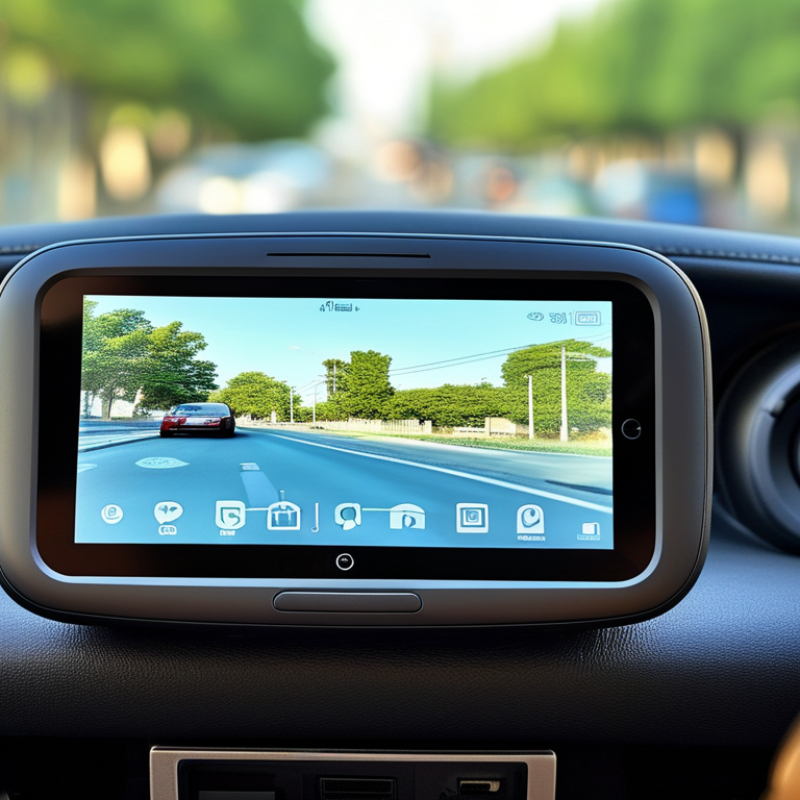
A Bluetooth car screen is a display that connects with a phone through short-range wireless communication. It can show selected phone functions through a compatible vehicle system. Depending on its design, it may support hands-free calls, music, contact access, or voice commands. Some units also connect with steering-wheel controls and the car’s speakers.
The screen usually sits on the dashboard or replaces an existing display. After pairing, the phone sends call audio and control information to the screen. The car speakers then play the sound.
The connection normally works within the vehicle, but walls, nearby wireless devices, and low battery power can affect stability. Pairing is usually simple. It is not always seamless.
The term can mislead. Bluetooth alone often cannot carry full navigation images or rich video content. Many screens use Bluetooth for sound and calls, then depend on a separate wireless or wired connection for phone projection. Compatibility also varies by phone software, screen hardware, and vehicle controls. A reliable installation should include clear pairing steps, stable mounting, readable text, and controls that do not distract the driver. Bright sunlight may reduce screen visibility. Small buttons can feel frustrating. A careful user should test the connection while parked, adjust the volume, and confirm that essential functions remain accessible without constant screen touching.
A Bluetooth car screen is a compact infotainment system that connects your phone to the vehicle without a cable. Its main component is a display panel, usually an LCD or capacitive touchscreen. This panel shows navigation, calls, music controls, and vehicle information. Behind it sits a system-on-chip, which processes graphics, audio, wireless commands, and the operating system. A Bluetooth module and antenna manage the short-range connection. Bluetooth SIG’s 2024 Market Update reported 5.4 billion Bluetooth device shipments in 2023, showing how widely this wireless standard is used.
The screen also needs a microphone for voice commands and hands-free calls. A digital-to-analog audio circuit sends sound to the car’s speakers. Power circuits convert the vehicle’s electrical supply, while wiring links the screen with steering controls, cameras, or parking sensors. Some systems include a GPS receiver, USB ports, cooling components, and memory storage.
In real installation work, the antenna position matters more than many owners expect. A poorly placed antenna can create delays, dropouts, or uneven audio. Specifications may look excellent, but daily performance depends on software stability and vehicle compatibility.
Tips: Check Bluetooth profiles, microphone placement, screen brightness, and vehicle wiring before buying. Test calls with the engine running. That detail matters. One limitation deserves honesty: wireless systems can still lag in crowded signal environments, and no single component fixes every connection problem.
A Bluetooth car screen is a dashboard display that communicates with nearby devices through short-range wireless radio. Its main job is to show navigation, calls, messages, or media from a paired phone. The screen usually contains a Bluetooth module, microphone, speakers, and a touch interface. It does not copy every phone function. Instead, it uses supported connection profiles to exchange specific data.
To connect, turn on Bluetooth on the phone and open the screen’s connection menu. Choose the screen name, then confirm the matching code on both displays. Some systems request access to contacts, call history, notifications, or audio. Approve only the permissions needed for planned features. After pairing, the phone may reconnect automatically when the vehicle starts. Audio streaming uses one Bluetooth profile, while hands-free calls use another. Wireless projection may require Wi-Fi, updated software, or a cable during setup. The process sounds simple, but it can feel oddly stubborn. An old saved connection often causes pairing failures. Delete it and try again.
Tips: Keep the phone inside the front cabin during setup. Remove unused paired devices from the screen. Restart Bluetooth before changing several settings. Test a short call while parked, because music may work while microphone access fails. Never adjust pairing menus while driving. Check the vehicle manual for exact menu names, since layouts differ.
A Bluetooth car screen is a dashboard display that connects a phone to the vehicle’s audio and control system. Bluetooth usually carries calls, music metadata, and basic commands, rather than full video. For richer screen mirroring, the unit may use Wi-Fi or a USB connection alongside Bluetooth. This distinction matters.
After pairing, the screen can show song titles, contact names, navigation prompts, and selected phone notifications. The driver taps large on-screen controls, presses steering-wheel buttons, or uses voice input. The display sends these requests through the vehicle’s interface, while the phone or built-in software performs the task. A small pairing code often confirms the correct device.
In daily use, response time depends on distance, interference, phone settings, and screen software. A delayed map turn can be frustrating, even when music continues normally. It is unwise to treat every wireless screen as equally capable. A practical test can reveal more than a polished specification. Still, the setup is not always seamless. Touch controls may feel unfamiliar, and some notifications may fail to appear. These limits deserve attention before relying on the screen every day.
A Bluetooth car screen is a display that connects with a phone through short-range wireless communication. It can show navigation, calls, music controls, and selected messages. The phone usually handles the internet connection and most app processing. The screen mainly presents information through a larger dashboard interface. Pairing normally requires Bluetooth, while some systems also use Wi-Fi for smoother screen mirroring.
The useful features are clear navigation, hands-free calling, voice commands, and steering-wheel control support. A bright screen helps when sunlight hits the dashboard. Physical buttons can be safer than tapping small icons while driving. Check viewing angles carefully. A screen that looks sharp indoors may become difficult to read at noon. Audio quality also depends on the vehicle’s speakers, microphone placement, and connection method.
Limitations deserve equal attention. Bluetooth can introduce slight audio delays, and wireless connections may drop near heavy interference. Some screens support only limited phone functions, not every application. Older vehicles may need extra wiring or an adapter, which can affect installation reliability. Touch controls can still distract drivers, even with a large display. I would test pairing, microphone clarity, map response, and night brightness before trusting the system daily. Specifications are helpful, but real dashboard conditions can expose weaknesses that a product sheet misses.